The perfect soundtrack for
every exercise
MP3 Downloads
Enjoy expertly curated, all rights included music for fitness.
Save up to 90% of your gym’s annual music costs.

The Music — A comprehensive music catalogue. Made by leading music producers. Tested by fitness professionals.
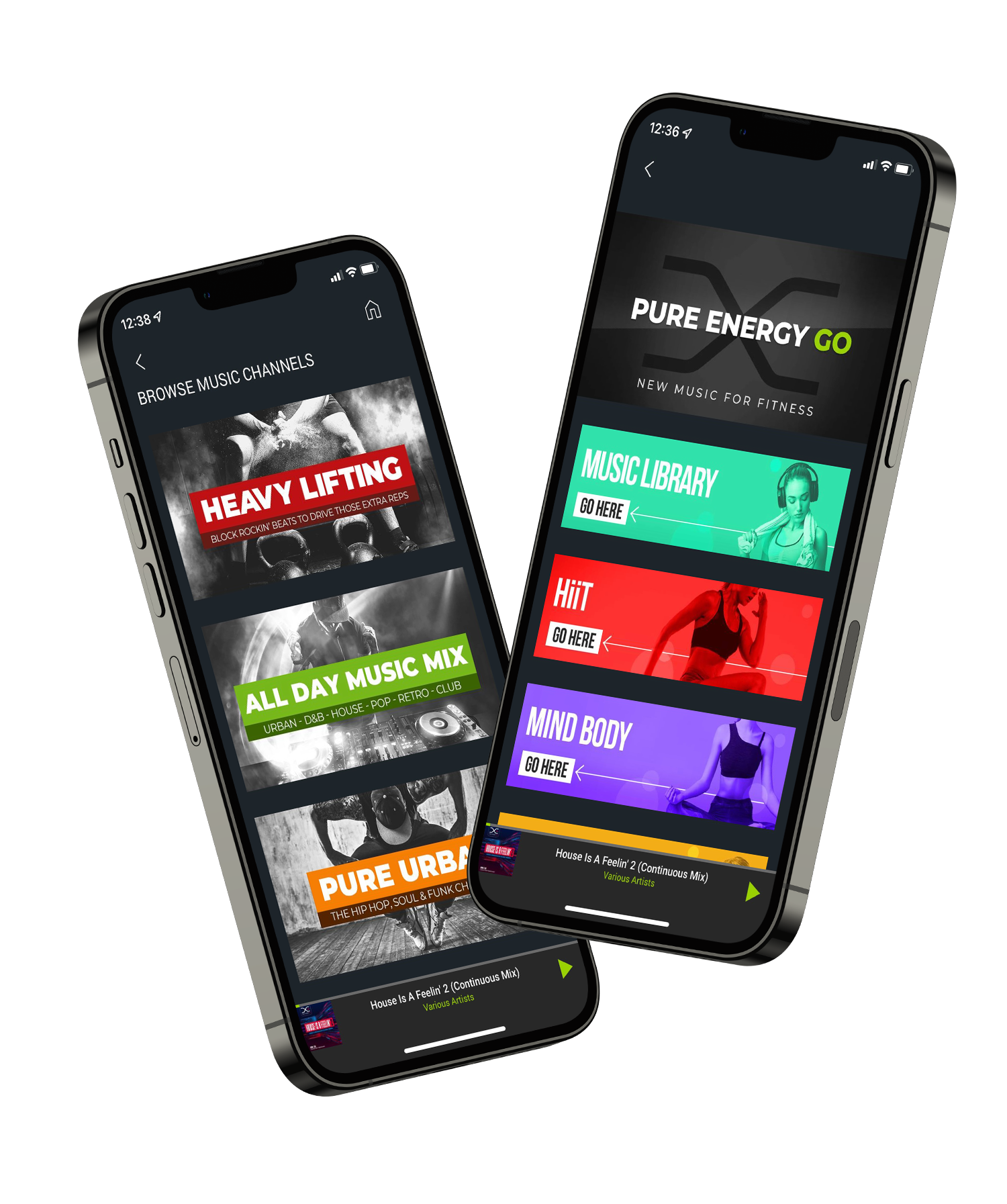
The App — Optimised music discovery for instructors and operators. Music categorised by workout type, room, and genre.
The Service — Made for the fitness industry. Easy to use. Simple to integrate.
Looking for MP3 downloads?
From HIIT to Mind Body, from Hard House to soothing soundscapes…
Whatever your workout, we’ve got you covered.

PURE ENERGY GO is a music service for the fitness industry.
Our team of leading music producers and fitness professionals expertly curate ‘all rights included’ music to optimise workouts.
No more expensive licence fees. 100% compliance.
PURE ENERGY GO is the sole owner, and controls all of the rights to, the music that you hear via the PURE ENERGY GO app. This means there are no PPL & PRS licence fees to pay.
PURE ENERGY GO music can be used in online and offline classes on all platforms including YouTube, Facebook, Instagram, Twitter, Twitch, and Podcasts.
Spotify, Apple Music, Amazon Music and other similar music streaming services are for personal use only and cannot be used commercially in gyms for background music or fitness classes. Their terms and conditions exclude commercial use. Operators and gym owners should check that staff, including any freelance instructors, are not using these services as the responsibility and potential financial repercussions sit with the gym where they’re being used.